
Seed phrases and staying safe
Twelve words control everything you own. How to store them, the scams that try to steal them, and a simple two-wallet setup.
Words in this lesson
On this page
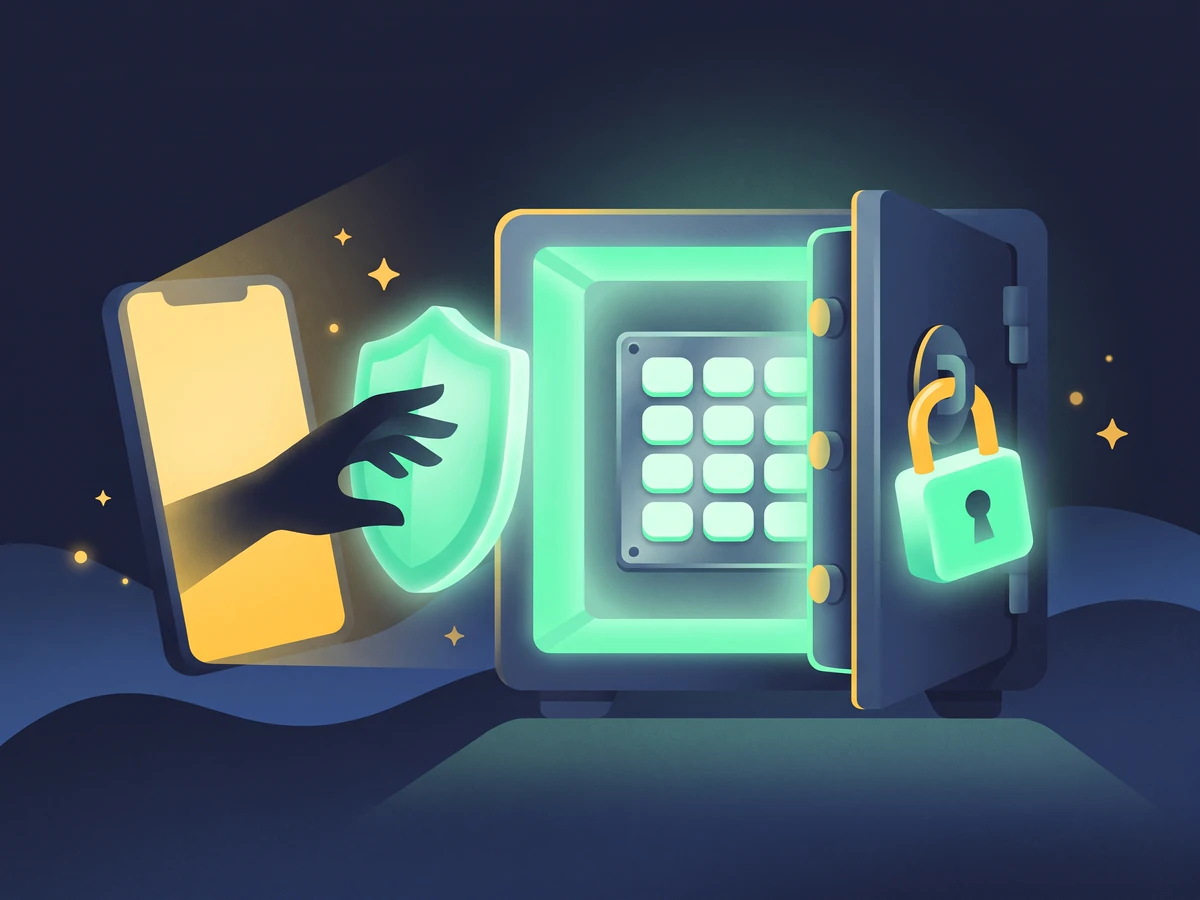
A seed phrase is 12 or 24 simple words in a fixed order. Phantom gives you 12. Those words are not a password you can reset. They are the wallet. Anyone who types them into any wallet app, anywhere in the world, gets full control of your money. You cannot stop them, and you cannot change the words afterwards.
Phantom says it plainly in its own help pages: it keeps no copy of your phrase, it cannot restore it if you lose it, and its support team will never ask for it. The same is true of every honest wallet.
How to store it
- Write the words on paper, in order, the moment the wallet shows them. Check every spelling.
- Make two copies and keep them in two safe places, for example at home and with family you trust. A fireproof box or a metal backup plate is even better.
- Never photograph it, screenshot it, type it into a notes app, email it to yourself or save it in the cloud. Phones get hacked and cloud accounts get broken into.
- Never type it into a website. The only place it ever goes is the import screen of a wallet app you downloaded from the official site, when you are restoring your own wallet.
- Never say it out loud on a call or show it on a stream.
The scams that go after it

- Fake support. You post a question on X, Discord or Telegram. Within minutes a helpful agent messages you with a link to fix your wallet. The link asks for your words.
- Fake apps and sites. A search ad leads to a copy of a wallet's website with a fake download. Get wallets only from the official site, typed by hand, and check the address bar.
- Validate your wallet. A page says your wallet must be synced, validated or upgraded. Real wallets never need that.
- Drainers. Some fake sites do not want your words at all. They ask you to connect and sign, and the signature hands over your tokens. Read every pop-up, and close any request you did not start.
- Free tokens. Strange tokens appear in your wallet with a website in their name. Do not visit it. Hide the token and move on.
How the fake support scam plays out
Sam's swap fails, so he complains about it on X. Three minutes later an account called Phantom Help Desk, with the ghost logo and a blue check, sends him a direct message.
- Step 1: The message is polite and quick: sorry for the trouble, please sync your wallet at this link to fix the failed transaction.
- Step 2: The page looks exactly like Phantom and asks for his 12 words to restore the connection.
- Step 3: If Sam types them, a script moves every coin out of his wallet within seconds, usually before he finishes reading the next page.
- Step 4: What Sam should do: close the message, block the account, and use the help option inside the real app or a help site he types in by hand. A failed swap never needs a seed phrase.
Two wallets: the vault and the trading wallet
Most experienced traders split their money. A vault wallet holds savings, ideally on a hardware wallet, and never connects to new sites. A trading wallet, sometimes called a burner, holds only what you are ready to trade this week. That is the one you connect to trading apps.
Limiting the damage
You own 5 SOL. You keep 4 SOL in the vault and send 1 SOL to the trading wallet. One evening you click a bad link and sign something you should not have.
- Step 1: Worst case, you lose the 1 SOL in the trading wallet, about $100 at late October 2026 prices.
- Step 2: The 4 SOL in the vault is untouched, because that wallet never connected to anything.
- Step 3: You make a brand-new trading wallet with a brand-new seed phrase and carry on, poorer but still in the game.
Check what you learned
0 of 4 answered
Finished reading? Tick it off and your progress is kept in this browser.
This guide is for learning. It is not financial advice. Most memecoins go to zero and most people who trade them lose money. Only ever trade what you can afford to lose.